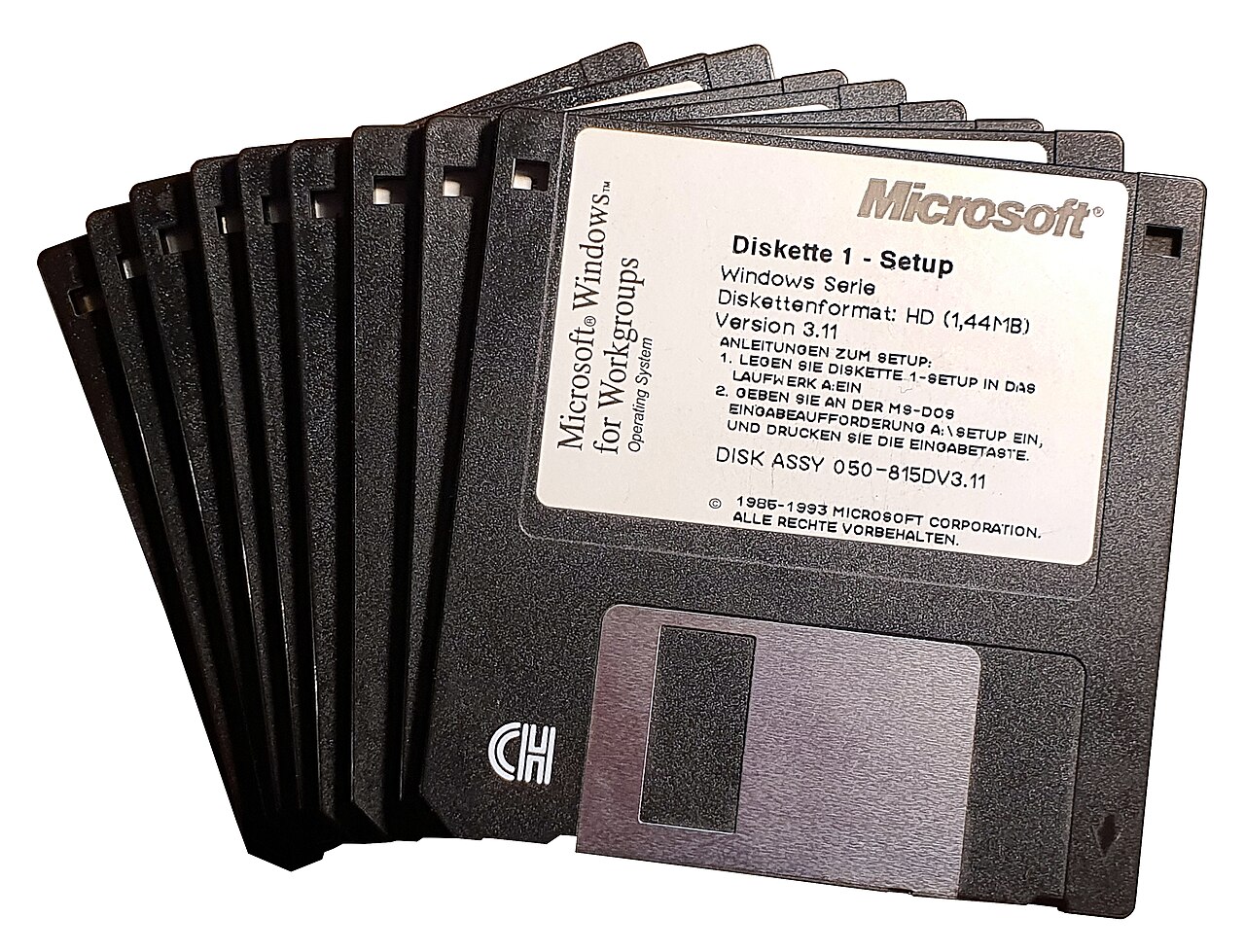
 PC WINDOWS
Descripción
Todavía no hay descripción para este juego.
Carátulas (PAL / USA / JAP)

Capturas de pantalla
Sin capturas subidas todavía.
Mapas
Sin mapas subidos todavía.
Manual
Sin manual disponible todavía.
Trucos y secretos
Todavía no hay trucos publicados.
💡 Enviar un truco o secretoCargadores (POKEs y líneas BASIC)
LOAD "(NAME)11,8,1

SYS 49960, (ADDRESS OF BIT MAP),(VIDEO MATRIX),(COLOR MEMORY),(SCREEN COLOR)

After loading your picture run ShadeyDump with:

SYS 49152

SYS 49960,24576,32576,33576,34576

If you wish to print a hi-res image located somewhere else in memory you will have to change two pointers.

You can POKE 49704 and 49705 with the proper address of the bit-map in standard low-byte/high-byte format and change the pointer to the video matrix at 49706 and 49707, but ShadeyDump can do this for you. Simply use the following ShadeyDump SYS command:

SYS 49936, (ADDRESS OF BIT MAP),(ADDRESS OF VIDEO MATRIX)

Example: to ShadeyDump a DOODLE! image enter this line:

SYS 49936,24576,23552

ShadeyDump will automatically POKE all the proper locations to print your picture.

Printing a multicolor picture requires changing four pointers, the pointer to the bit map at 49704, the pointer to the video matrix at 49706, the pointer to color memory at 49708, and the pointer to the screen color at 49710. and toggling setting one flag at 49703 to zero.

To change the device number POKE 49716 with the proper number, and to change the secondary address POKE 49717 with the proper value.

To access this feature POKE 49713 with a one to toggle the interface flag.

If the standard version of ShadeyDump defaults to values that are not optimal for your use, you can easily save a custom version of ShadeyDump using ShadeyDump?, built-in BLOCKSAVE SYS command. After changing ShadeyDumps pointers and flags, save your new version of ShadeyDump with:
SYS 49876,49152,50010,"(NAME)",(DEV. NO.)
Disponible en
Ficha técnica
Privacidad y cookies
Usamos almacenamiento local para recordar preferencias como el tema visual. Si se activa publicidad, Google puede usar cookies propias o de terceros con tu consentimiento. Más información
Cookies necesarias: funcionamiento básico. Preferencias: tema visual y decisión de consentimiento. Publicidad: cookies de Google y partners publicitarios si se habilitan anuncios.